How SSDs Work — and Why They Eventually Fail
There is no spinning disk inside your SSD, but there is a lot of bookkeeping. This explainer covers charge traps, the FTL, erase blocks, garbage collection, wear leveling, and where wear actually kills an SSD.
NAND Flash: Charge Traps, Not Spinning Disks
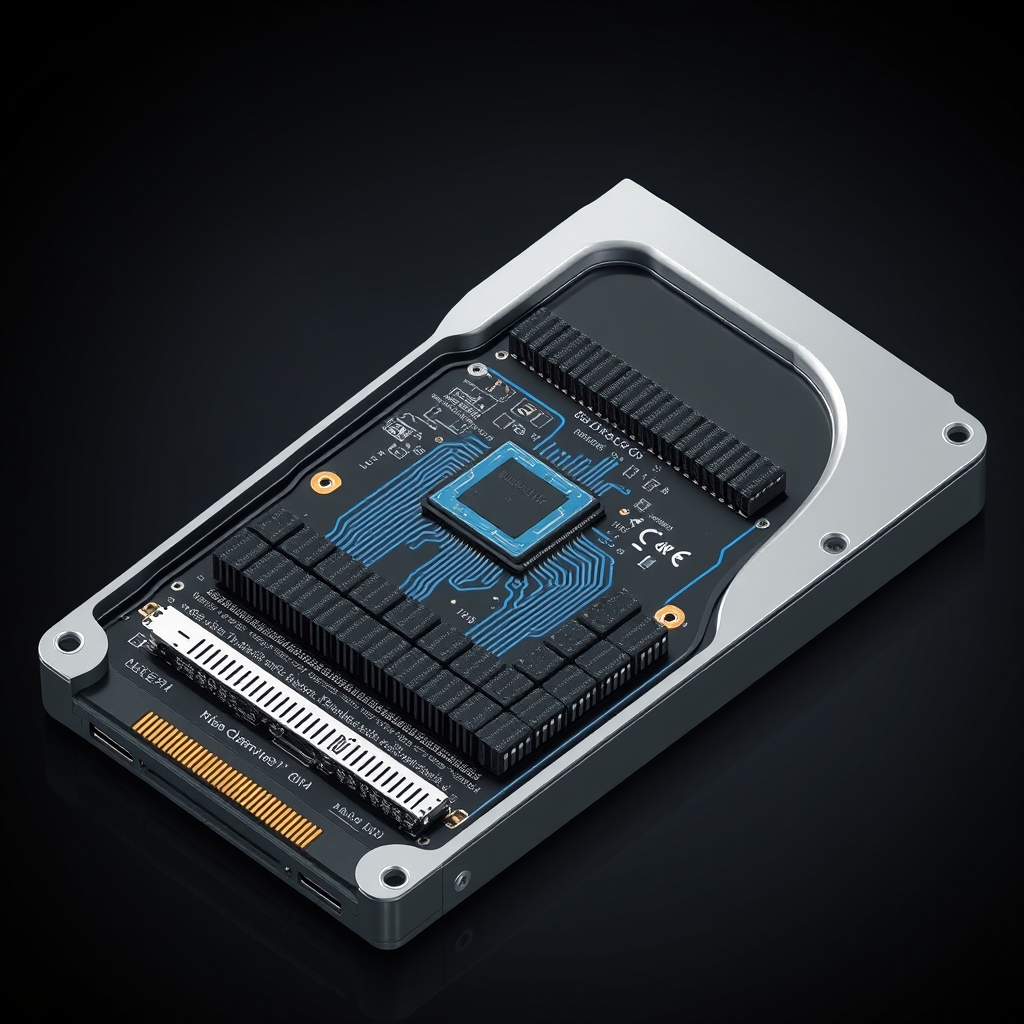
A solid state drive looks like a small circuit board, but its real engineering is electrical. Every byte of data lives in a tiny charge trap inside a NAND flash cell. Unlike a DRAM cell, which needs continuous power to hold a charge, a NAND cell is a floating gate: once electrons are trapped inside, they stay there for years without any power at all. That static charge is the entire storage medium, and it is also the reason SSDs wear out.
Flash cells come in different densities. Single-level cell (SLC) stores one bit per cell, which is the simplest and most durable. Multiple-level cell (MLC) stores two bits, triple-level cell (TLC) stores three, and quad-level cell (QLC) stores four. More bits per cell means denser and cheaper storage, but each additional level requires tighter voltage thresholds and is more susceptible to read errors. Modern consumer SSDs are predominantly TLC or QLC, which is why their controller firmware does so much work to keep data reliable.
The FTL: A Translation Layer Between You and the Cells
NAND flash has a fundamental quirk that makes it awkward to use as a block device: cells can only be written after they are erased, and erasure happens in blocks of 64 to 128 kilobytes, not individual bytes. You cannot overwrite a single cell without first erasing the entire block it belongs to. The flash translation layer (FTL) is the firmware that solves this problem. It maintains a mapping between the logical block addresses your operating system sees and the physical block addresses in the flash. When you tell the drive to write to logical block 42, the FTL writes the data to a fresh physical location and updates the mapping, leaving the old physical block marked as garbage.
Garbage Collection: Reclaiming Dead Blocks
Over time, the FTL accumulates a large pool of blocks that hold no valid data but cannot be erased yet because at least one page in them is still referenced. Garbage collection sweeps through these partially valid blocks, relocates the surviving pages to new locations, erases the old block, and makes it available again. This process is invisible under light workloads but becomes very visible under sustained random write loads: the drive temporarily writes the same data twice, once to preserve it and once to service your new write. The speed of garbage collection is a major factor in why cheap TLC SSDs slow down under sustained heavy write work.
Wear Leveling: Spreading the Damage
NAND cells have a finite erase-write budget. SLC cells survive roughly 100,000 cycles; QLC cells manage closer to 1,000 to 3,000. If the FTL kept reusing the same physical blocks, those blocks would wear out long before the rest of the drive. Wear leveling distributes writes across the entire flash pool so no single block erodes faster than its neighbors. Static wear leveling also targets blocks that hold infrequently changing data and rotates them into the actively written pool from time to time. The end result is that the drive as a whole wears out roughly evenly rather than one block dying at a time.
Where SSDs Actually Fail
Wear-out is not the same as failure. A healthy SSD that has exhausted its rated endurance will not abruptly die; the controller will simply mark the entire drive as write-protected, leaving all existing data readable. That is by design: the FTL is supposed to keep enough spare blocks online to mask errors up to the very last moment. In practice, the more common failure modes are controller failure, firmware corruption, or a power loss during a critical write operation. Consumer SSDs that have small DRAM caches are also more vulnerable to sudden power loss than enterprise drives with capacitors or battery-backed cache. For most users, an SSD is most likely to die at the exact moment the power blinks, not after millions of normal writes.
ECC, Over-Provisioning, and the Spare Pool
Every page the FTL reads from NAND goes through an error correction code (ECC) decoder. Because flash cells degrade as they age, the raw bit error rate climbs slowly over the life of the drive. ECC masks those errors until they accumulate beyond a threshold, at which point the FTL flags the block as bad and migrates its data. This is why you can see individual bad blocks appear in an SSD's S.M.A.R.T. data without the drive failing: the spare pool is absorbing the damage. Most SSDs are also delivered with a hidden over-provisioned margin of a few percent beyond their advertised capacity. That margin is the raw material the FTL uses for garbage collection, wear leveling, and bad block retirement. Drives with no over-provisioning, such as compact flash chips soldered directly into a phone without a separate spare area, degrade noticeably faster under heavy write loads for exactly this reason.
Why Your SSD Is Rated in TBW, Not Years
Manufacturers rate endurance in terabytes written (TBW) rather than years because wear is a function of write volume, not time. A drive that sits idle for a decade and barely gets written to will still be healthy; a drive that writes the same 500 GB every day for a year consumes a meaningful fraction of its budget. Consumer SSDs are typically rated for somewhere between 150 TBW (entry-level 256 GB) and 2,000 TBW (high-end 4 TB) and are designed on the assumption that a typical home user will write a few dozens of gigabytes per day. If you run a write-heavy workload, such as video editing scratch space, a database, or a large download cache, you should look at TBW directly rather than expecting the drive to outlast a generic desktop. Enterprise drives, with larger over-provisioning and more robust power-loss protection, are rated orders of magnitude higher and are priced accordingly.
What This Means for You
SSDs are engineered to outlast your warranty. If you see unusual random slowness or a drive that has suddenly stopped accepting writes, check the S.M.A.R.T. wear counters rather than assuming the drive is dying. A drive that has used 20% of its endurance after three years of normal use is operating well within its design envelope and can be expected to last years more.
Sources: How Computer Storage Devices Work — NAND Flash; Samsung Semiconductor — Understanding NAND Flash; Kingston Technology — SSD Technology Explained.
Corrections: Report an error at corrections@wireshaman.com.