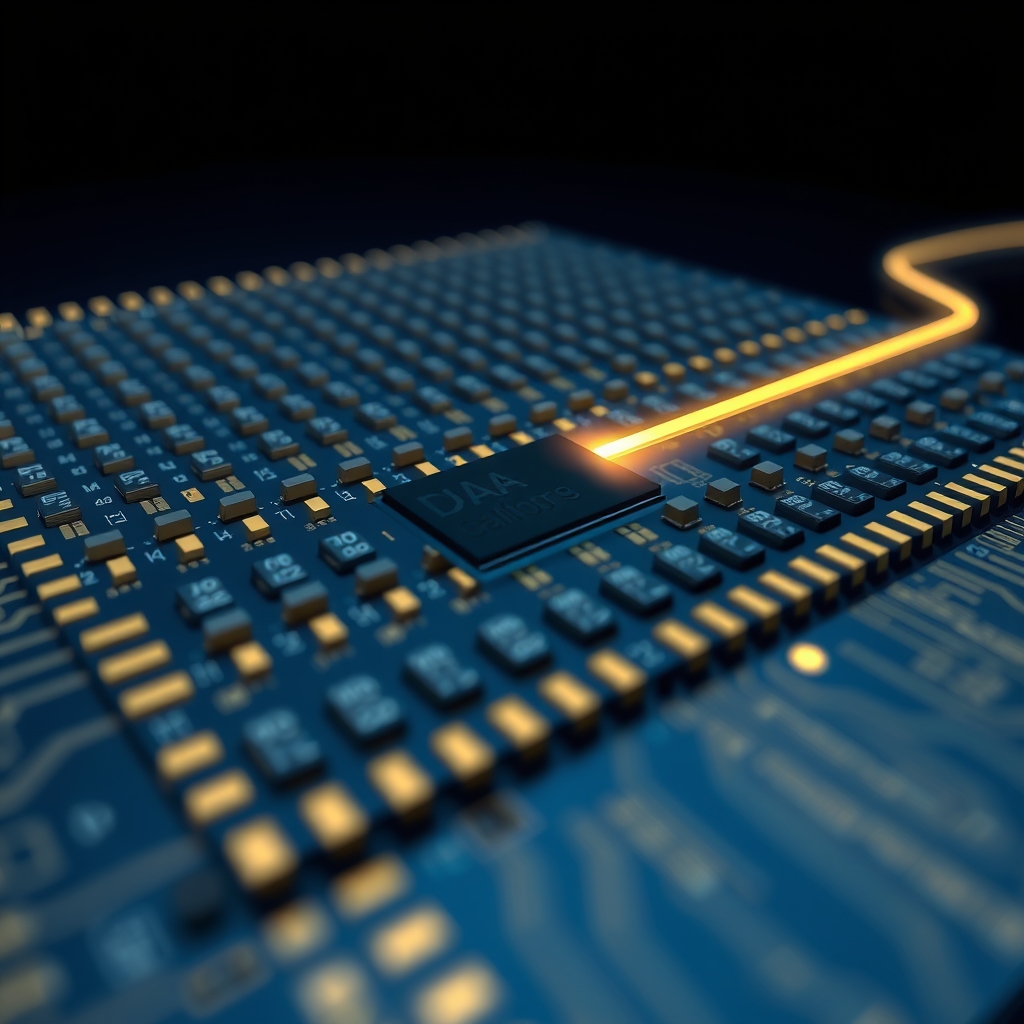
What Is DRAM? The Memory Your Computer Runs On, Explained
DRAM stores each bit in a transistor and capacitor, and refreshes before it leaks.
When you open too many browser tabs and your laptop slows down, the system is running out of RAM. On most computers and phones that RAM is DRAM, or dynamic random-access memory. It is the workhorse memory of modern computing, and it is also one of the cheapest bits per dollar you can buy in a chip. Understanding DRAM takes only a few ideas.
One Transistor, One Capacitor
Every bit of DRAM is stored in a tiny cell built from just two parts: a single transistor and a single capacitor. The transistor acts as a gate that lets a circuit charge or discharge the capacitor. A charged capacitor represents a 1; an uncharged one represents a 0. Because each cell needs only one transistor plus one capacitor, a DRAM cell is extremely small, and that small size is exactly why DRAM can reach very high density at a low cost per bit.
That is the whole trick. The alternative, SRAM, stores a bit using four to six transistors arranged as a flip-flop. It is faster and never needs refreshing, but it takes several times as much space per bit and costs far more to make. That trade-off is why DRAM won for main memory while SRAM got locked into the speed-critical cache inside processors.
Why It Is "Dynamic"
The word dynamic is the part people miss. The capacitor in a DRAM cell does not hold its charge forever. It leaks, so a bit left alone will slowly drift toward the voltage of a zero and be lost. DRAM keeps its data alive by refreshing: the memory controller periodically reads each bit and rewrites it before it leaks away. On a typical module this happens many times per second, across rows in a rolling round-robin pattern, so no single bit ever gets a chance to fade.
Because DRAM must be refreshed, it cannot be simply powered and forgotten. If power stops, the charge drains within seconds and every bit is gone. That is why DRAM is volatile: it holds your open documents, your running apps, and your swap space only while the machine is on.
From a Cell to a Stick of RAM
- A DRAM die arranges millions of one-transistor, one-capacitor cells in a dense grid of rows and columns.
- Rows are selected by a row address; columns by a column address. This two-step addressing saves pins and is the root of the "random access" path into the array.
- Several dies are stacked into a DRAM module (the sticks you buy), each carrying an on-die controller that handles refresh and timing.
- Synchronous variants such as DDR align every transfer to a clock, and each generation doubles the data rate per pin, which is how DDR5 reached its current bandwidth.
- A memory controller on your chip (or CPU) times all of it, issuing reads, writes, and refresh on a strict schedule.
The "random access" in the name is worth a beat. A hard drive must physically spin and seek; a memory cell can be addressed directly by its row and column. You do not have to scan through everything to reach one bit, so a DRAM lookup takes on the order of a few nanoseconds, fast enough to keep a modern CPU fed.
DRAM Versus SRAM, In One Glance
- DRAM: one transistor plus one capacitor per bit, high density, low cost, needs refresh, slower and volatile. Used as main memory and in GPUs.
- SRAM: four to six transistors per bit, lower density, high cost, no refresh, faster. Used as cache inside CPUs and GPUs.
- DRAM is the larger, everyday workspace; SRAM is the smaller, always-on speed layer that sits closest to the core.
So DRAM is not the fastest memory, nor the one that survives a power cut. It is the memory that gives machines a large, cheap, fast-enough workspace. Every browser tab, running app, and open document lives in DRAM cells that are quietly recharged dozens of times a second, holding a fragile charge that defines what your computer can do right now.
Next time a machine feels sluggish, it is usually short on free DRAM rows. More RAM modules or higher-capacity chips simply extend the workspace that holds your active data, without touching what is permanently stored on disk.
Sources: Wikipedia: Dynamic random-access memory; Enterprise Storage Forum: SRAM vs DRAM; RAMXEED: SRAM vs. DRAM.
Corrections: Report an error at corrections@wireshaman.com.